- October 23, 2026
- 0
What is a JCB Diagnostic Tool?
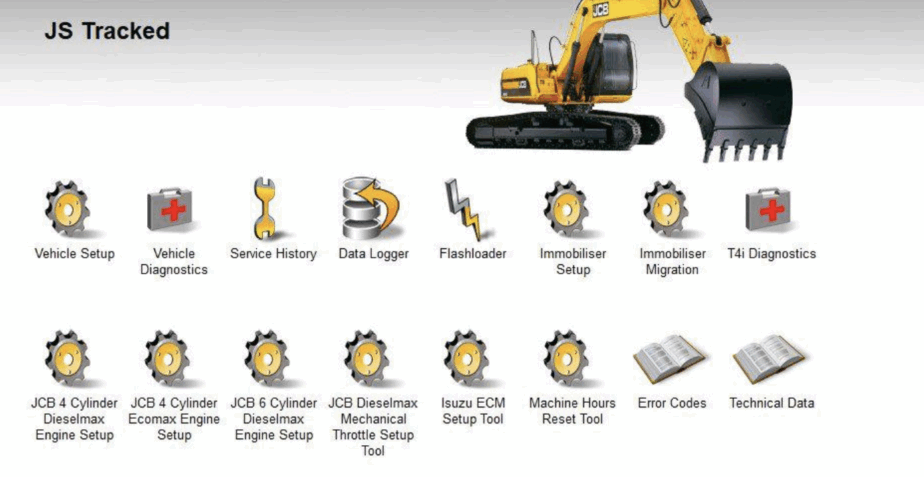
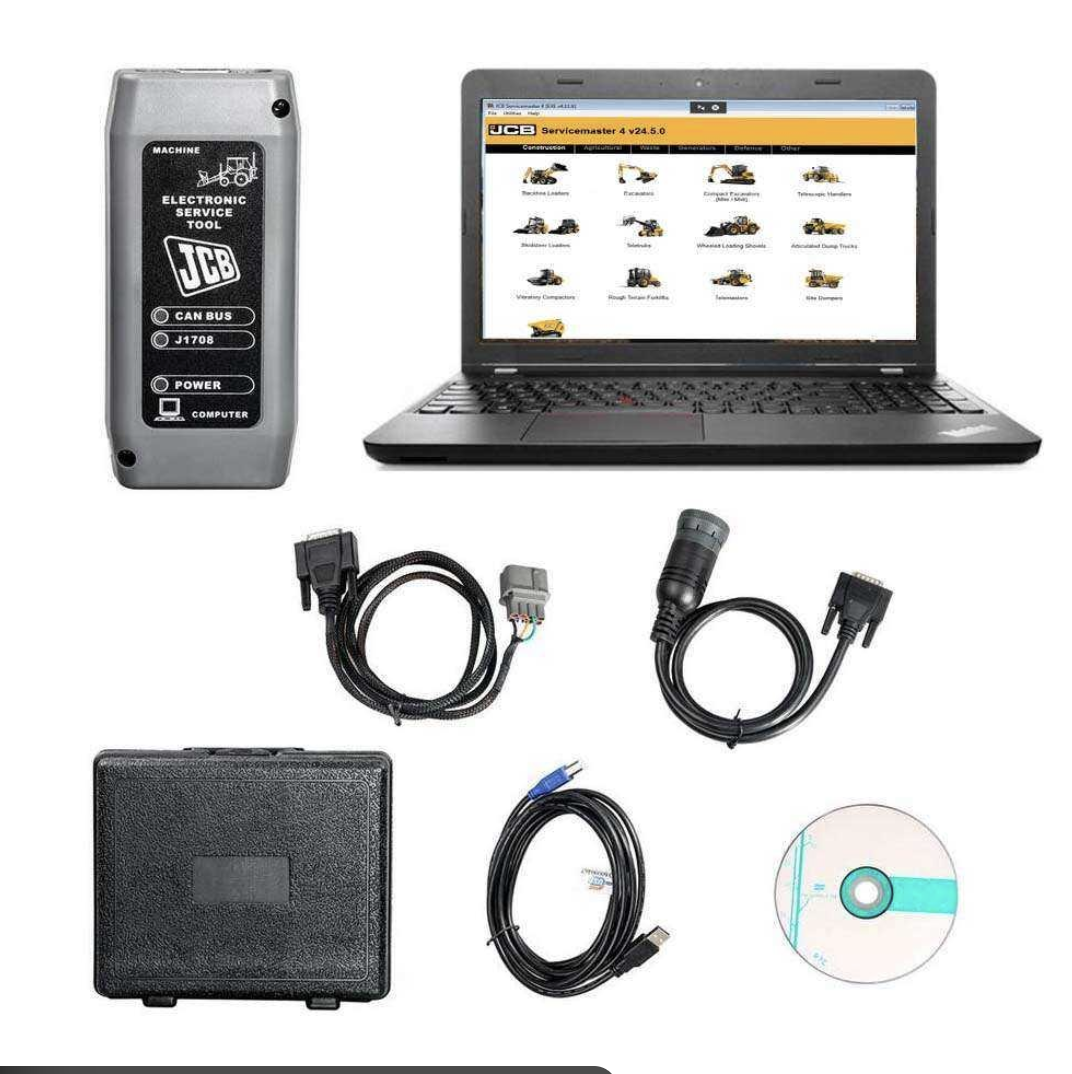
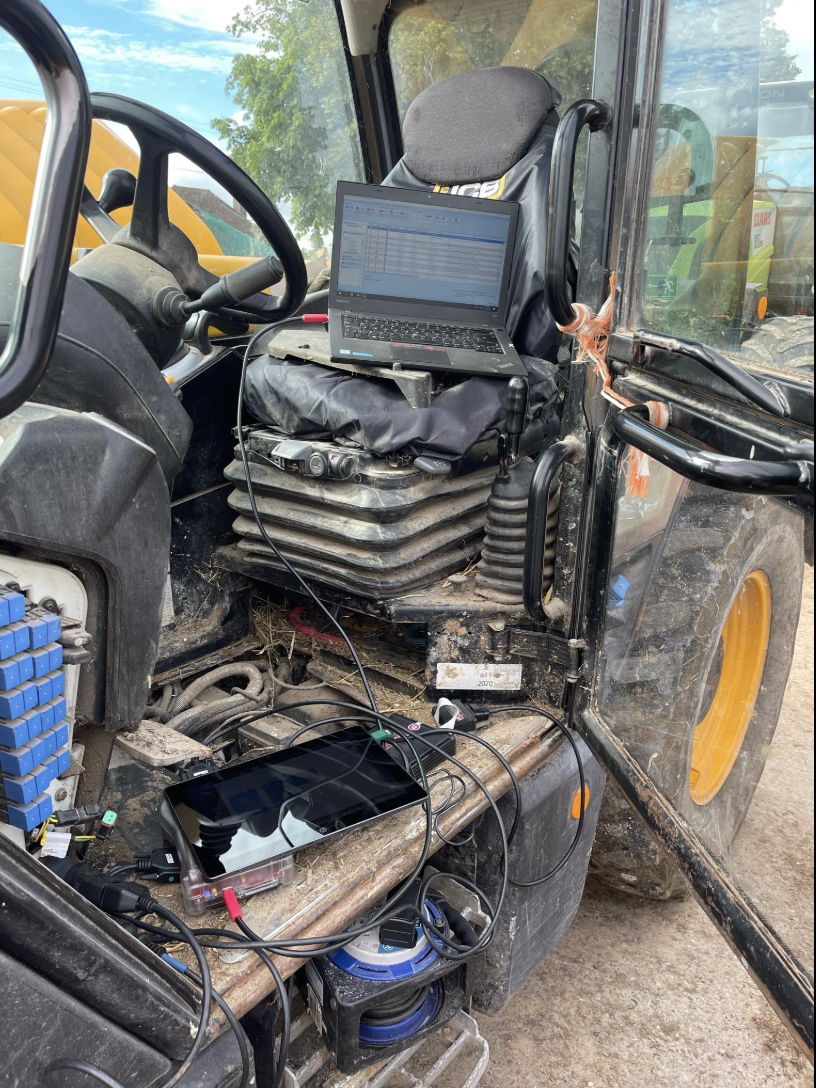
A JCB diagnostic tool is a professional system used to communicate with electronic control units (ECUs) in JCB machinery. Modern machines from JCB rely heavily on electronics, and without proper diagnostics, fault finding becomes guesswork.
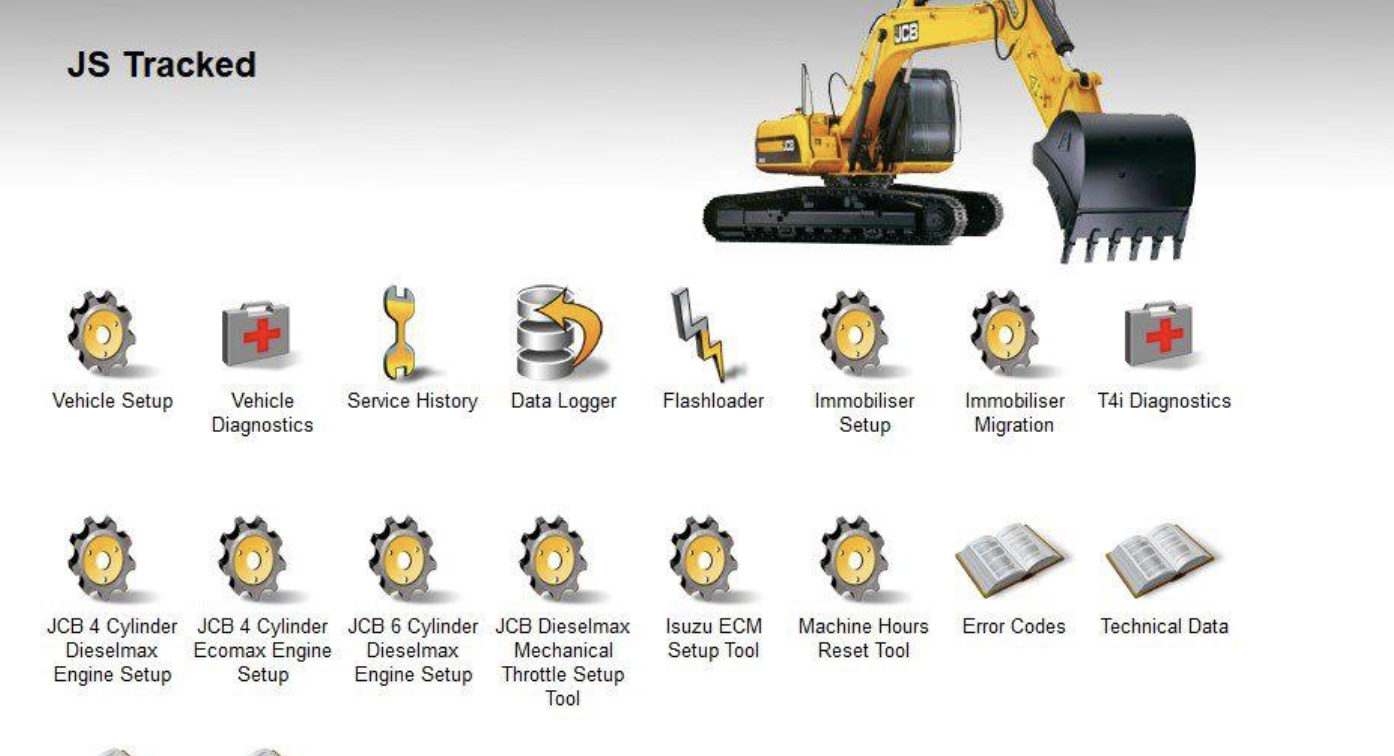
These tools allow you to read fault codes, monitor live data, and carry out servicing functions with accuracy.
Why You Need a JCB Diagnostic Tool
Diagnosing faults without proper equipment leads to wasted time and unnecessary parts replacement.
A JCB diagnostic tool allows you to:
- Identify faults quickly and accurately
- Avoid replacing working components
- Access detailed system data
- Reduce downtime in the workshop or on site
For safety and correct maintenance practices, guidance from organisations like the Health and Safety Executive is relevant when working on heavy machinery.
Key Functions of a JCB Diagnostic Tool
Fault Code Reading and Clearing
Retrieve stored and active fault codes from all supported systems and clear them after repair.
Live Data Monitoring
View real-time sensor readings to detect intermittent or hidden issues.
Component Activation
Test injectors, pumps, valves, and actuators to confirm whether faults are electrical or mechanical.
Service and Calibration Functions
Reset service intervals and perform calibrations after repairs.
Common Faults You Can Diagnose
A JCB diagnostic tool is essential for identifying:
- Engine warning lights and power loss
- Hydraulic system faults
- Sensor and wiring failures
- CAN communication issues
- AdBlue and emissions faults
- Starting problems and intermittent cut-outs
Supported JCB Machines
Most systems support:
- Excavators
- Backhoe loaders
- Telehandlers
- Wheel loaders
- Skid steer loaders
JCB Diagnostic Tool vs Generic Scanners
| Feature | Generic Scanner | JCB Diagnostic Tool |
|---|---|---|
| Fault Codes | Limited | Full system access |
| Live Data | Basic | Detailed |
| Actuations | No | Yes |
| Calibration | No | Yes |
| Coverage | Partial | Machine-specific |
Generic scanners are not designed for heavy equipment diagnostics.
Choosing the Right JCB Diagnostic Tool
Not all tools are equal. Many setups lack proper configuration or support.
You need:
- Stable and tested software
- Compatible interface hardware
- Proper installation
- Ongoing support
Standards and consistency in diagnostics are often aligned with frameworks such as those developed by the ISO.
Real-World Use Case
A telehandler showing intermittent power loss is often misdiagnosed as a fuel system issue.
Using a JCB diagnostic tool, you can monitor live rail pressure and sensor data. In many cases, the issue is a faulty sensor or wiring rather than a major component.
Internal Resources
If you are looking for working solutions and tools:
- JCB Diagnostic Tool product page (your main listing)
- AdBlue fault repair solutions (link your product page)
- Truck diagnostics including DAF and Mercedes systems
- Full diagnostic software category on your site
These internal links help you move from information to solution quickly.
Final Thoughts
A JCB diagnostic tool is essential for anyone working on modern JCB machinery. It allows accurate fault diagnosis, reduces downtime, and prevents unnecessary repairs.
SEO Meta Description
JCB diagnostic tool guide covering fault codes, live data, diagnostics and repair. Learn how to diagnose JCB machinery and avoid costly mistakes.
Image Alt Texts (copy into WordPress)
- JCB diagnostic tool connected to excavator for fault code diagnostics
- JCB diagnostic software showing live data and ECU readings
- JCB service tool interface used for telehandler diagnostics
Internal Link Anchor Text Suggestions (use in WordPress)
- JCB diagnostic tool
- AdBlue fault repair
- truck diagnostic tools
- diagnostic software systems
This is ready to paste.
What is a JCB Diagnostic Tool?
A JCB diagnostic tool is a professional system that connects directly to JCB machinery to read fault codes, monitor live data, and carry out advanced servicing functions. Modern JCB equipment relies heavily on electronic control units (ECUs), and without proper diagnostics, fault finding becomes guesswork.
If you are working on excavators, telehandlers, or loaders, this tool is essential. It gives you visibility into the machine’s systems in the same way dealer-level equipment does.
Why You Need a JCB Diagnostic Tool
Trying to diagnose JCB machinery without proper software wastes time and leads to misdiagnosis. Many faults are electronic or sensor-related, not mechanical.
A proper JCB diagnostic tool allows you to:
- Identify faults instantly instead of trial-and-error
- Avoid replacing working parts unnecessarily
- Access manufacturer-level data
- Reduce downtime on site or in the workshop
Skipping diagnostics usually costs more in the long run.
Key Functions of a JCB Diagnostic Tool
Fault Code Reading and Clearing
You can retrieve stored and active fault codes from all supported systems. Once the issue is resolved, codes can be cleared properly.
Live Data Monitoring
Real-time data shows exactly what the machine is doing. This is critical for intermittent faults that don’t always trigger a code.
Component Activation
You can command components like injectors, pumps, and valves to operate. This confirms whether the fault is electrical or mechanical.
Service and Calibration Functions
Reset service intervals, perform calibrations, and carry out system relearns after repairs.
Common Faults You Can Diagnose
A JCB diagnostic tool is especially useful for:
- Engine warning lights and derate issues
- Hydraulic system faults
- Sensor failures
- CAN communication errors
- AdBlue and emissions-related faults
- Starting issues and intermittent cut-outs
These are areas where guessing leads to expensive mistakes.
Supported JCB Machines
Most diagnostic systems cover:
- Excavators
- Backhoe loaders
- Telehandlers
- Wheel loaders
- Skid steers
Compatibility depends on the interface and software version, so using the correct setup matters.
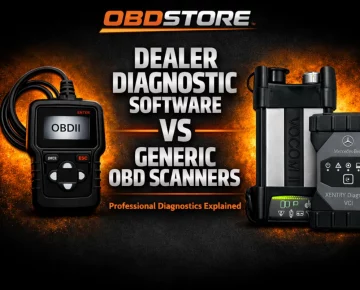
JCB Diagnostic Tool vs Generic Scanners
Generic OBD scanners are not enough for JCB machinery.
| Feature | Generic Scanner | JCB Diagnostic Tool |
|---|---|---|
| Fault Codes | Limited | Full system access |
| Live Data | Basic | Detailed |
| Actuations | No | Yes |
| Calibration | No | Yes |
| Coverage | Partial | Machine-specific |
If you are serious about repairs, a generic tool will hold you back.
Choosing the Right JCB Diagnostic Tool
Do not assume all systems are equal. Many setups online are incomplete or unstable.
You need:
- Reliable software version
- Correct interface hardware
- Proper installation and configuration
- Ongoing support
Without these, the tool becomes useless quickly.
Real-World Use Case
A common scenario is a telehandler showing intermittent power loss. Without diagnostics, this often leads to replacing fuel system parts.
Using a JCB diagnostic tool, you can check live rail pressure, sensor readings, and ECU commands. In many cases, the issue turns out to be a faulty sensor or wiring issue rather than a major component.
That difference is the entire value of proper diagnostics.
Final Thoughts
A JCB diagnostic tool is not optional if you are working on modern machinery. It is the difference between guessing and diagnosing properly.
If you are running a workshop or maintaining your own equipment, investing in the correct diagnostic setup will save time, money, and repeated failures.
- April 21, 2026
- Guidance & walkthroughs
related posts